

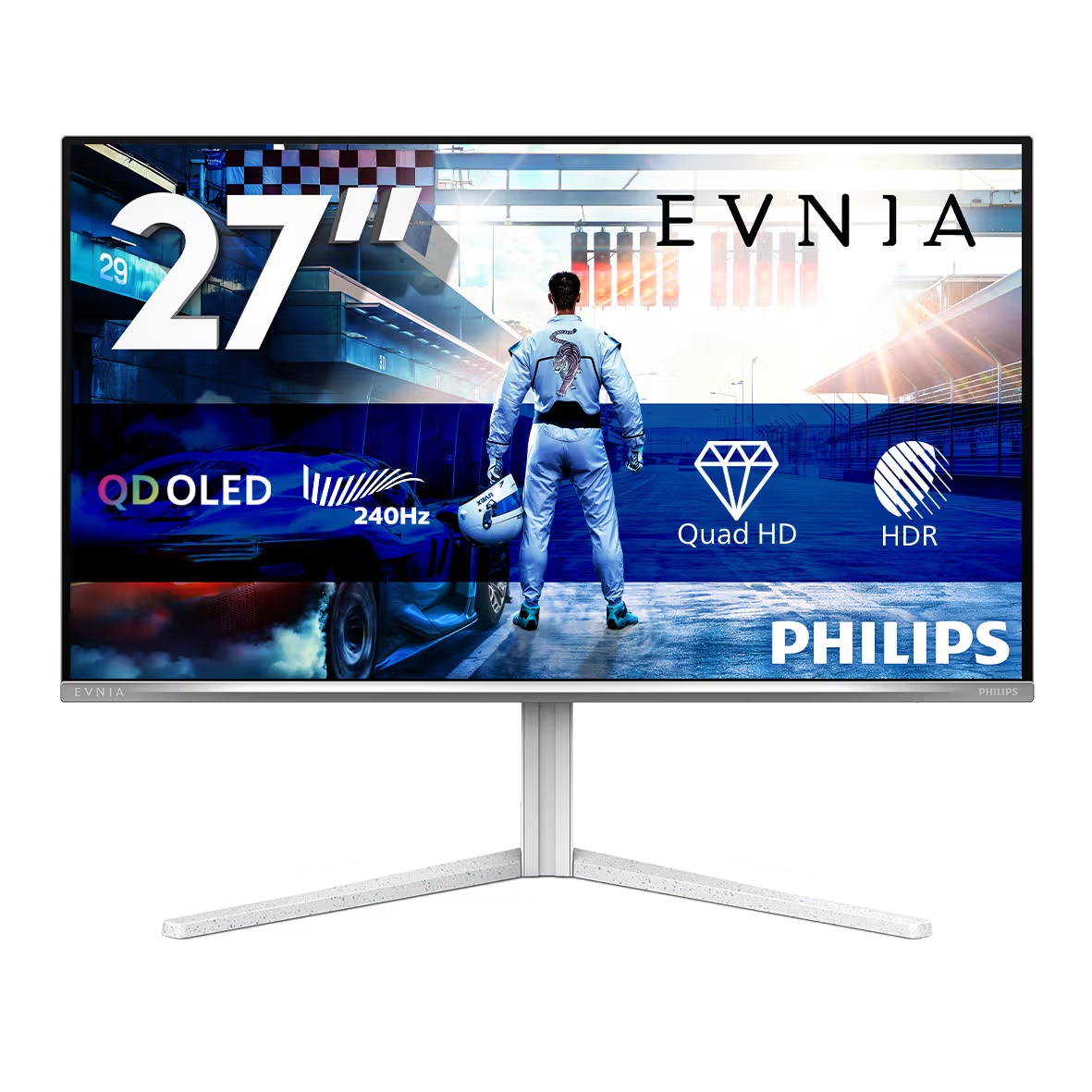
Choosing a gaming display involves more than comparing screen sizes or selecting the highest specifications on a product page. For Australian retailers, distributors, and technology buyers, a suitable gaming monitor should match different gaming habits, hardware capabilities, desk environments, and budget expectations. They recommend evaluating refresh rate, panel technology, resolution, connectivity, and practical usability together. At Evnia, they approach display selection by considering how these factors influence the overall experience and how a monitor fits into a player’s existing setup.
Match Display Performance to Gaming Requirements
The first step when evaluating a gaming monitor australia option is to identify the types of games and systems it will support. Competitive games often benefit from responsive controls and smooth motion, while role-playing games, racing titles, and visually detailed adventures may place greater emphasis on image clarity, contrast, and colour reproduction.
Refresh rate indicates how many times a display updates its image per second, while response time describes how quickly pixels change between colours or shades. These measurements address different aspects of performance, so they advise buyers to assess them together rather than treating either specification as a complete indicator of quality.
They also consider the graphics hardware connected to the monitor. A display’s resolution and refresh rate should align with the performance a computer or console can deliver. This approach helps buyers avoid paying for capabilities that their existing equipment cannot consistently use.
Understand Resolution, Panel Technology, and Image Quality
Resolution determines the number of pixels used to form an image, affecting visible detail and the demands placed on the graphics processor. A higher resolution can improve clarity, but it also requires more rendering performance at demanding settings. They therefore recommend comparing resolution with screen size, viewing distance, and the user’s preferred balance between image detail and frame rate.
Panel technology also influences the viewing experience. Different panel types have different strengths in colour reproduction, contrast, viewing angles, and response behaviour. Buyers should consider these characteristics alongside the games they play and the lighting conditions in which the display will be used.
For anyone comparing a gaming monitor australia product range, HDR support and colour performance deserve careful examination. HDR can improve the presentation of compatible content, but the result depends on the display’s actual capabilities and the content being viewed. They encourage buyers to check documented specifications instead of assuming that a feature label guarantees a particular visual result.
Evaluate Connectivity and Compatibility Before Purchasing
A monitor needs to work reliably with the equipment already available. Before placing an order, they suggest checking the supported video inputs, the capabilities of the connected graphics card or console, and the cables required for the intended resolution and refresh rate. Compatibility should be confirmed across the complete connection path rather than judged by the presence of a single port.
DisplayPort and HDMI are common options, but their supported capabilities vary by version and implementation. Buyers should consult the product specifications to determine whether a particular connection supports their preferred settings. Adaptive-sync compatibility may also matter to players who want to reduce visible tearing when frame rates fluctuate.
For Australian businesses supplying different customer groups, clear compatibility information can reduce uncertainty during product selection. They recommend providing accurate specifications and explaining which features depend on the connected device, cable, or software configuration.
Consider Ergonomics, Desk Space, and Everyday Use
Performance specifications are only part of the purchasing decision. Screen dimensions, stand adjustment, viewing distance, and available desk space all affect how comfortably a monitor fits into a gaming environment. Height, tilt, and swivel adjustments can help users establish a suitable viewing position, where supported by the product.
They also advise buyers to review the physical dimensions of the monitor and stand before purchasing. This is particularly useful for compact desks, multi-monitor arrangements, and shared work-and-gaming spaces. Cable routing, screen positioning, and access to ports can influence day-to-day convenience.
When comparing a gaming monitor australia selection, buyers should also consider whether the display will be used for work, streaming, content viewing, or general computing. A monitor that meets several practical requirements may offer greater value than one selected solely for a single performance specification.
Assess Product Value and Long-Term Suitability
A sensible upgrade decision begins with a clear budget and a list of essential features. They recommend separating necessary capabilities from optional additions, then comparing products against those priorities. This makes it easier to assess whether a higher-priced model provides meaningful benefits for the intended use.
Retailers and distributors should also examine the clarity of product documentation, warranty terms, local support arrangements, and stock availability before making purchasing commitments. These factors are separate from display performance, but they can affect ownership and customer service after the sale.
For consumers, long-term suitability means choosing specifications that remain useful as gaming preferences evolve, without assuming that every premium feature will be necessary. For commercial buyers, it means matching the product range to customer needs while communicating differences accurately. A well-informed comparison supports realistic expectations and more consistent purchasing decisions.
Choose an Evnia Display That Fits Your Setup
At Evnia, they encourage buyers to assess gaming displays through a combination of performance, image quality, compatibility, ergonomics, and value. Their Australian-facing monitor range includes models such as the Philips Evnia 27M2N6501L, which buyers can evaluate through its official product specifications to determine whether it suits their individual requirements.
When researching a gaming monitor australia upgrade, they recommend confirming the features, supported settings, and physical requirements of each shortlisted model before making a final decision. This practical process helps consumers and business buyers choose with greater confidence while keeping expectations grounded in verified product information.
Ready to plan your next display upgrade? Explore the official Evnia monitor range, compare the specifications that matter to your setup, and select a display that aligns with your gaming needs and budget.